AzureWave Thing Plus (AW-CU488) Hookup Guide
Contributors:
 QCPete,
  bboyho
QCPete, bboyho 
Resources and Going Further
Now that you've successfully got your SparkFun AzureWave Thing Plus (AW-CU488) up and running, it's time to incorporate it into your own project! For more information, check out the resources below:
- Schematic (PDF)
- Eagle Files (ZIP)
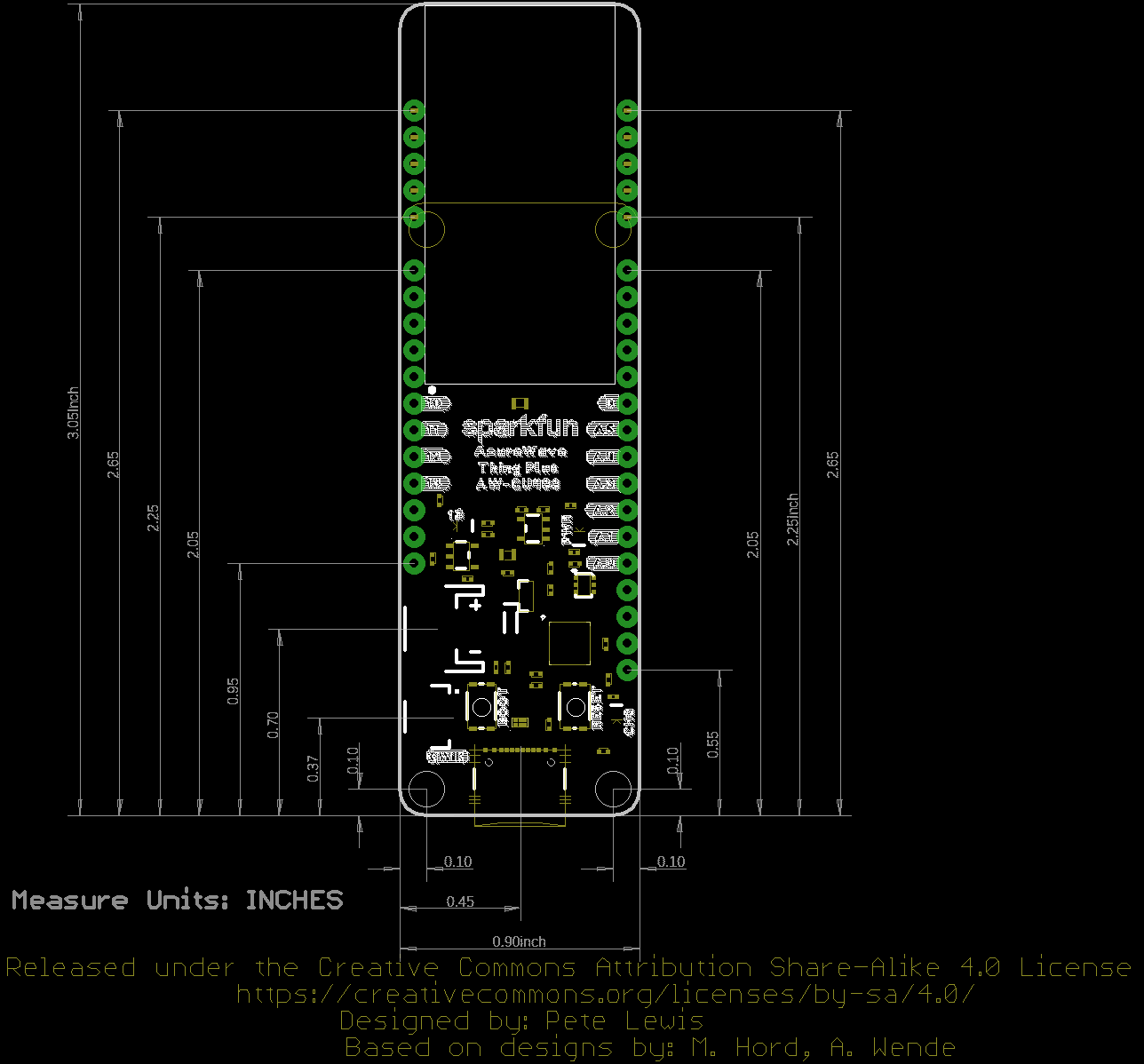
- Board Dimensions (PNG)
- Fritzing Part (FZPZ)
- Graphical Datasheet (PDF)
- Datasheet
- Qwiic Info Page
- Compare Thing Plus Boards
- Board Support Files
- GitHub Hardware Repo
- SFE Product Showcase
Need some inspiration for your next project? Check out some of these related to wireless tutorials.
BC118 BLE Mate 2 Hookup Guide
Hooking up and using the BLE Mate 2, which uses the BC118 BLE module from BlueCreations.
ESP8266 Thing Development Board Hookup Guide
An overview of SparkFun's ESP8266 Thing Development Board - a development board for the Internet of Things.
SparkFun Thing Plus Matter - MGM240P Hookup Guide
Get started with the SparkFun Thing Plus Matter - MGM240P with this Hookup Guide. This guide covers the hardware on this development board along with a quick intro to using the board with Silicon Labs' Simplicity Studio IDE.
Connecting Thing Plus Matter to Google Nest Hub
Connect your Thing Plus Matter board to a Google Nest Hub, as well as the Google Home app, and set up as a light device!
Or check out some of these related to audio tutorials.
Spectrum Shield Hookup Guide (v2)
Want your project to react to music? Then the SparkFun Spectrum Shield is the product for you! Get going in no time with this Hookup Guide.
Tsunami Super WAV Trigger Hookup Guide
This guide will get users started with the Qwiic Tsunami. We'll start by putting *.wav files and a configuration file on a microSD card, pop it into the Qwiic Tsunami, then trigger sounds across multiple outputs.