Audio Codec Breakout - WM8960 Hookup Guide
Contributors:
 QCPete,
  bboyho
QCPete, bboyho 
Resources and Going Further
Now that you've successfully got your Audio Codec Breakout up and running, it's time to incorporate it into your own project! For more information, check out the resources below:
- Schematic (PDF)
- Eagle Files (ZIP)
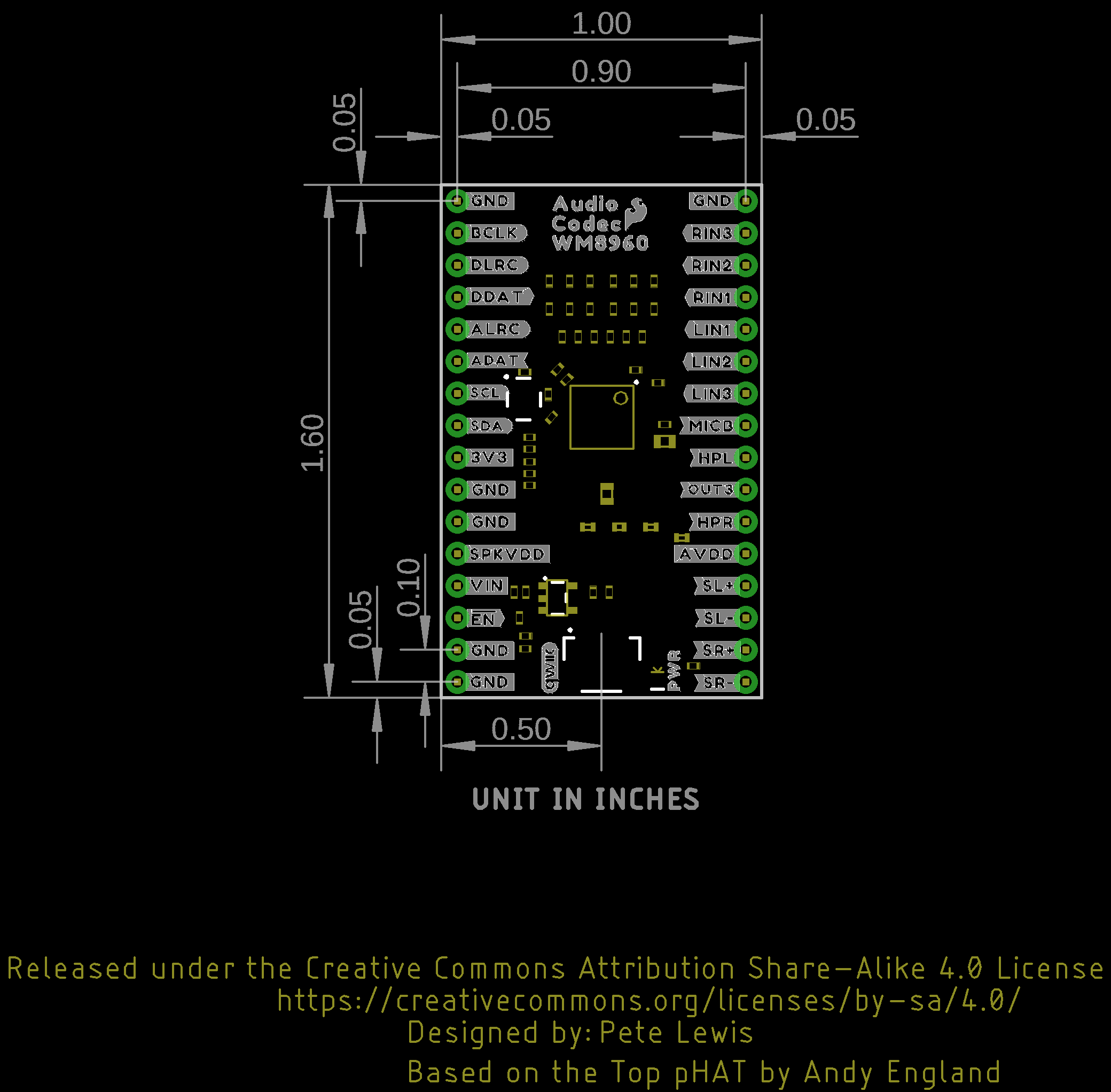
- Board Dimensions (PNG)
- Fritzing Part
- WM8960 Datasheet (PDF)
- Arduino Library
- GitHub Hardware Repo
- SFE Product Showcase
Looking for more inspiration? Check out these other tutorials related to audio.
RN-52 Bluetooth Hookup Guide
A hookup guide to get you started with the RN-52 Audio Bluetooth Module Breakout Board.
Touch Potentiometer Hookup Guide
Learn how to use the SparkFun Touch Potentiometer to control lighting, volume or other inputs in your daily life.
SparkFun Inventor's Kit Experiment Guide - v4.1
The SparkFun Inventor's Kit (SIK) Experiment Guide contains all of the information needed to build all five projects, encompassing 16 circuits, in the latest version of the kit, v4.1.2 and v4.1.
Analog MEMS Microphone Breakout - SPH8878LR5H-1 Hookup Guide
Get started with sound monitoring using the SparkFun analog MEMS microphone breakout board with Arduino!