Qwiic Distance Sensor (VL53L1X, VL53L4CD) Hookup Guide
Contributors:
 bboyho,
  Elias The Sparkiest,
  Englandsaurus
bboyho, Elias The Sparkiest, Englandsaurus 
Resources and Going Further
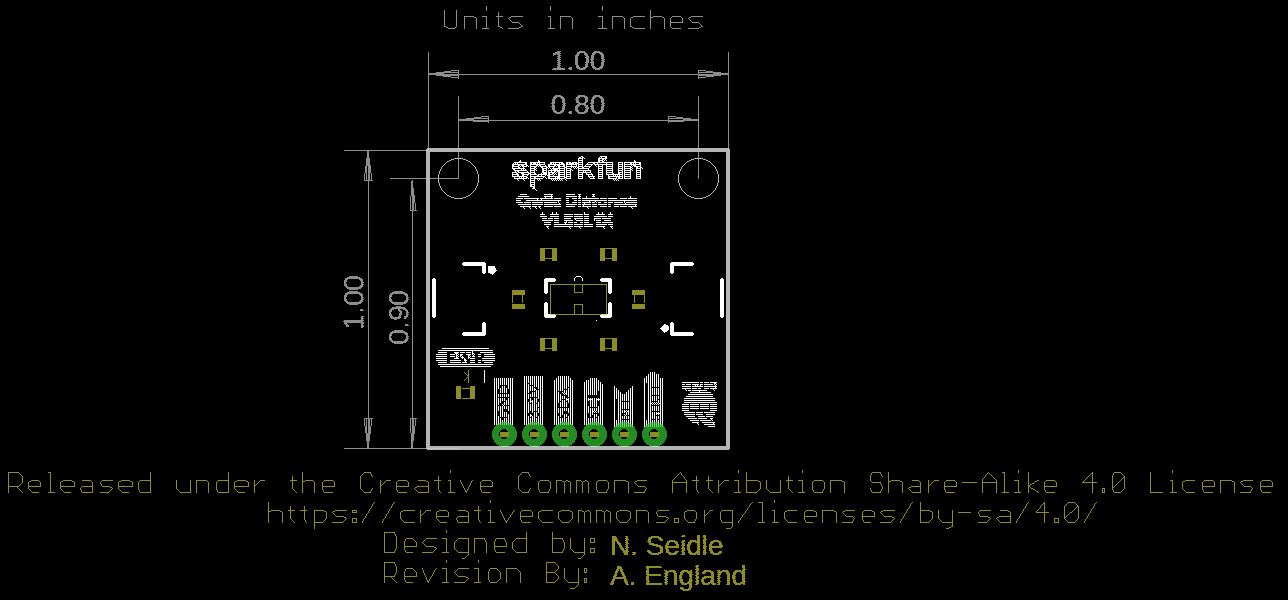
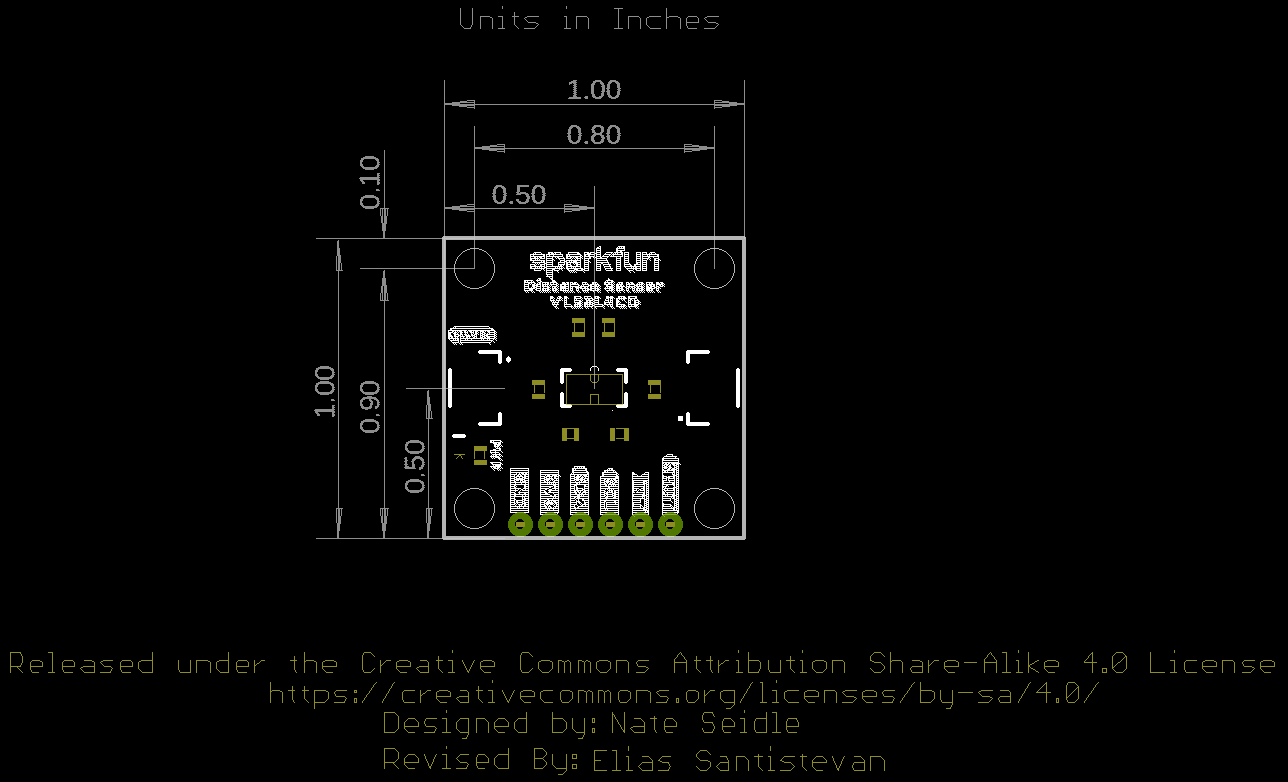
Now that you've successfully got your Qwiic Distance Sensor up and running, it's time to incorporate it into your own project! For more information, check out the resources below:
- VL53L1X - 4M
- VL53L4CD - 1.3M
- GitHub Repos:
- Qwiic Landing Page
- SparkFun Product Showcase: VL53L1X Qwiic Distance Sensor
Want a great use case for your ToF sensor? How about integrating one into your AVC submission? Have a look here:
Need even more inspiration for your next project? Check out some of these related tutorials:
Qwiic Adapter Hookup Guide
Get started with your Qwiic adapter board. This adapter breaks out the I2C pins from the Qwiic connectors to pins that you can easily solder with your favorite I2C enabled device.
Using the PSoC 6 Pioneer Board with the Pioneer IoT Add-on Shield
Cypress's PSoC 6 Pioneer Board is a development tool for the powerful PSoC 6 processor. In this tutorial, we'll show you how to use the PSoC 6 Pioneer Board along with the SparkFun/Digi-Key Pioneer IoT Add-on Shield to send data to a Raspberry Pi via BLE or WiFi.
ESP32 Thing Plus Hookup Guide
Hookup guide for the ESP32 Thing Plus (Micro-B) using the ESP32 WROOM's WiFi/Bluetooth system-on-chip in Arduino.
MicroMod Main Board Hookup Guide V2
The MicroMod Main Board - Single and Double are specialized carrier boards that allow you to interface a Processor Board with a Function Board(s). The modular system allows you to add an additional feature(s) to a Processor Board with the help of a Function Board(s). In this tutorial, we will focus on the basic functionality of the Main Board - Single V2.1 and Main Board - Double and V2.2.
Or check out this blog post for more ideas!