IoT RedBoard ESP32 Development Board Hookup Guide
Contributors:
Ell C,  SparkFro
SparkFro 
Resources and Going Further
Now that you've successfully got your SparkFun IoT RedBoard ESP32 Development Board up and running, it's time to incorporate it into your own project!
For more information, check out the resources below:
- Schematic
- Eagle Files
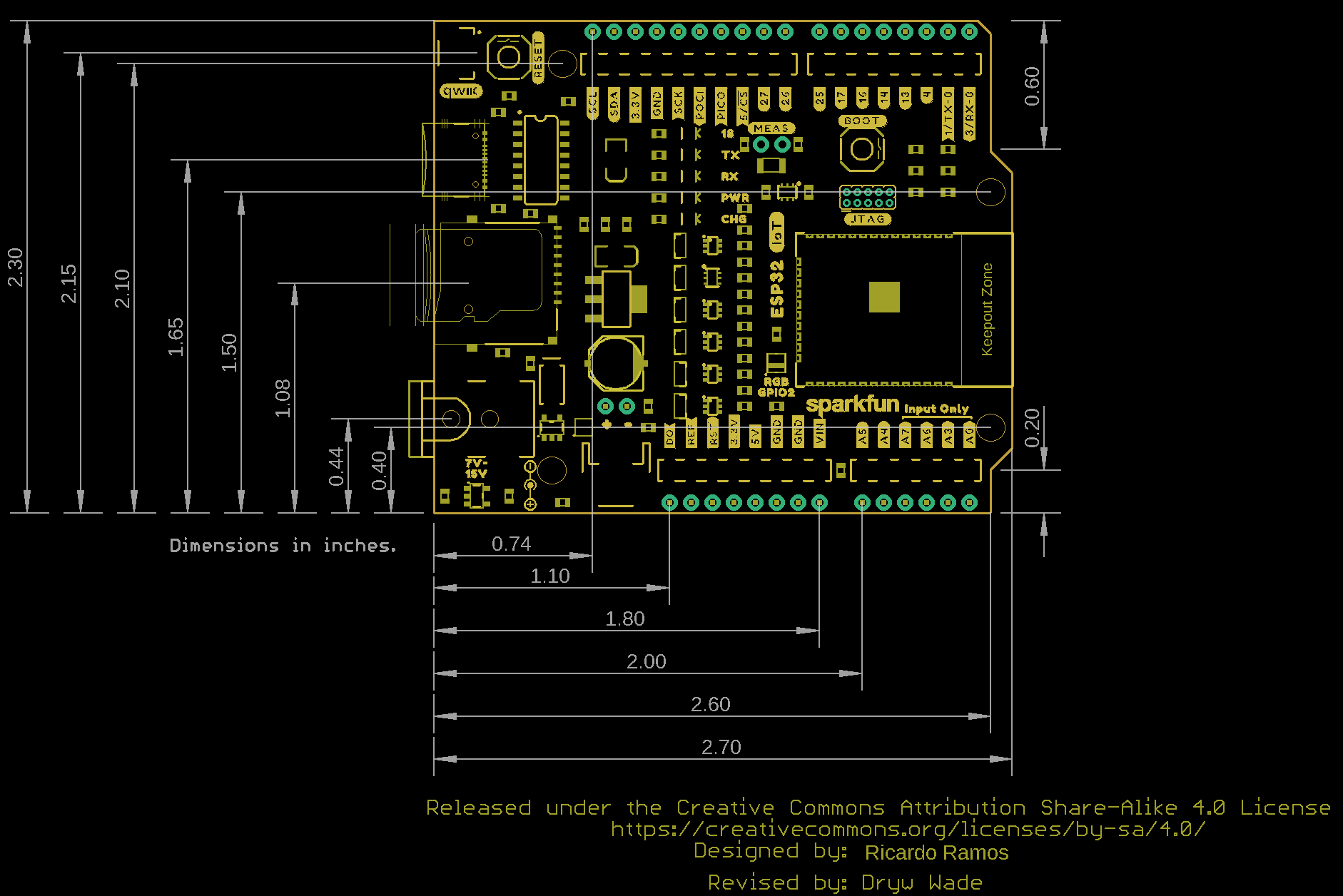
- Board Dimensions
- GitHub Hardware Repo
- How to Install CH340C Drivers
- Fritzing Part
- Arduino Buying Guide
- Arduino IDE Download
- Qwiic Info Page
- Compare SparkFun RedBoards
Need some inspiration for your next project? Check out some of these related tutorials:
Sensor Kit Resource Hub
An overview of each component in the SparkFun Sensor Kit, plus links to tutorials and other resources you'll need to hook them up.
Hookup Guide for the Qwiic Motor Driver
Drive things "qwiic"-ly with the SparkFun Qwiic Motor Driver!
SparkFun RTK Facet Hookup Guide
Setup the RTK Facet in minutes to begin gathering millimeter level geospatial coordinates.
Turn a Qwiic Ultrasonic Distance Sensor into a Garage Distance Sensor
This tutorial will take your SparkFun Qwiic Ultrasonic Distance Sensor to the next level by turning it into a parking distance sensor!