Programming the SparkFun Edge with Arduino
Contributors:
 ROB-24601
ROB-24601 
Resources and Going Further
Now that you are familiar with the hardware and setup, you should be able to start integrating the Edge Board into your projects. If you want more information on the Ambiq Apollo3 or the SparkFun Edge Board, check out some of the links below:
SparkFun Edge:
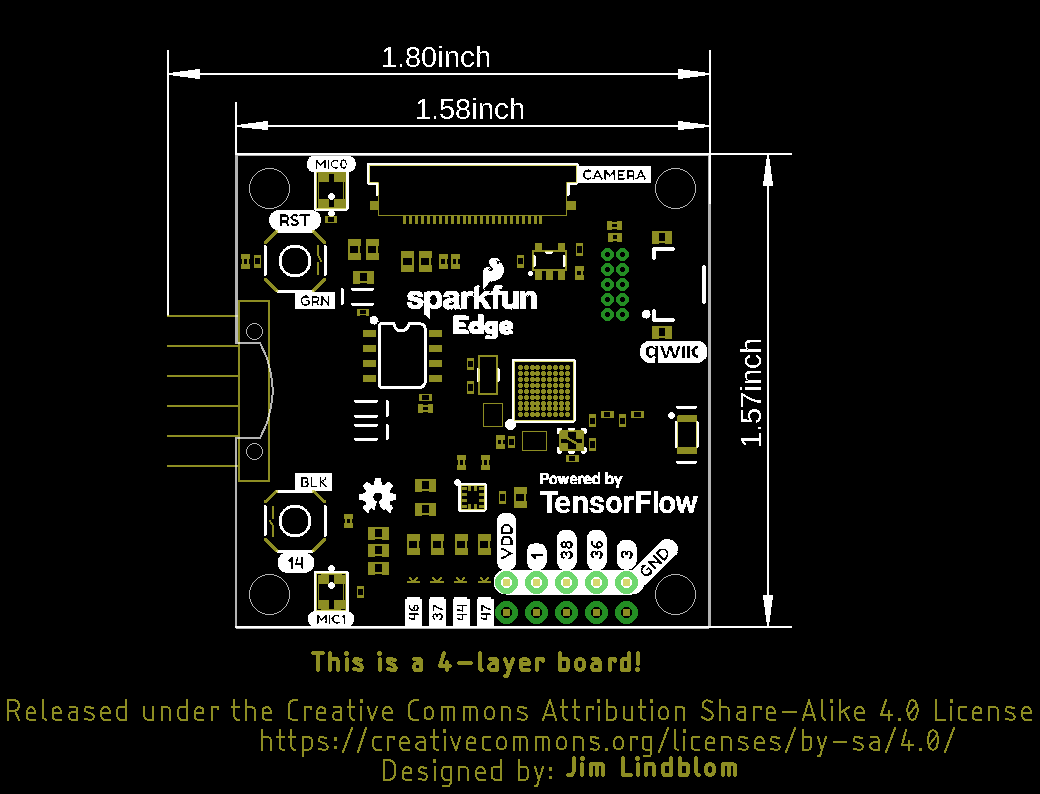
Working with the Apollo 3:
- Ambiq Apollo3 Datasheet
- SDK Setup Guide
- Machine Learning on a Microcontroller with SparkFun Edge
- Using TensorFlow on Microcontrollers
- TensorFlow Lite
Need some inspiration for your next project? Check out some of these IoT tutorials!
SparkFun Blocks for Intel® Edison - I2C Breakout Block
A quick overview of the features of the I2C Breakout Block.
LED Cloud-Connected Cloud
Make an RGB colored cloud light! You can also control it from your phone, or hook up to the weather!
Hookup Guide for the SparkFun RedBoard Artemis Nano
Get started with the powerful RedBoard Artemis Nano
GNSS Correction Data Receiver (NEO-D9S) Hookup Guide
Add GNSS correction data to your high precision GNSS (HPG) receiver with the u-blox NEO-D9S! This tutorial will get you started with the ZED-F9P, NEO-D9S, and the ESP32 IoT RedBoard.
Or check out this blog post for ideas.