SparkFun MicroMod Input and Display Carrier Board Hookup Guide
Contributors:
 Alex the Giant, Ell C
Alex the Giant, Ell C 
Resources and Going Further
For more information about the MicroMod Input and Display Carrier, check out the following links:
- Schematic (PDF)
- Eagle Files (ZIP)
- GitHub Hardware Repo
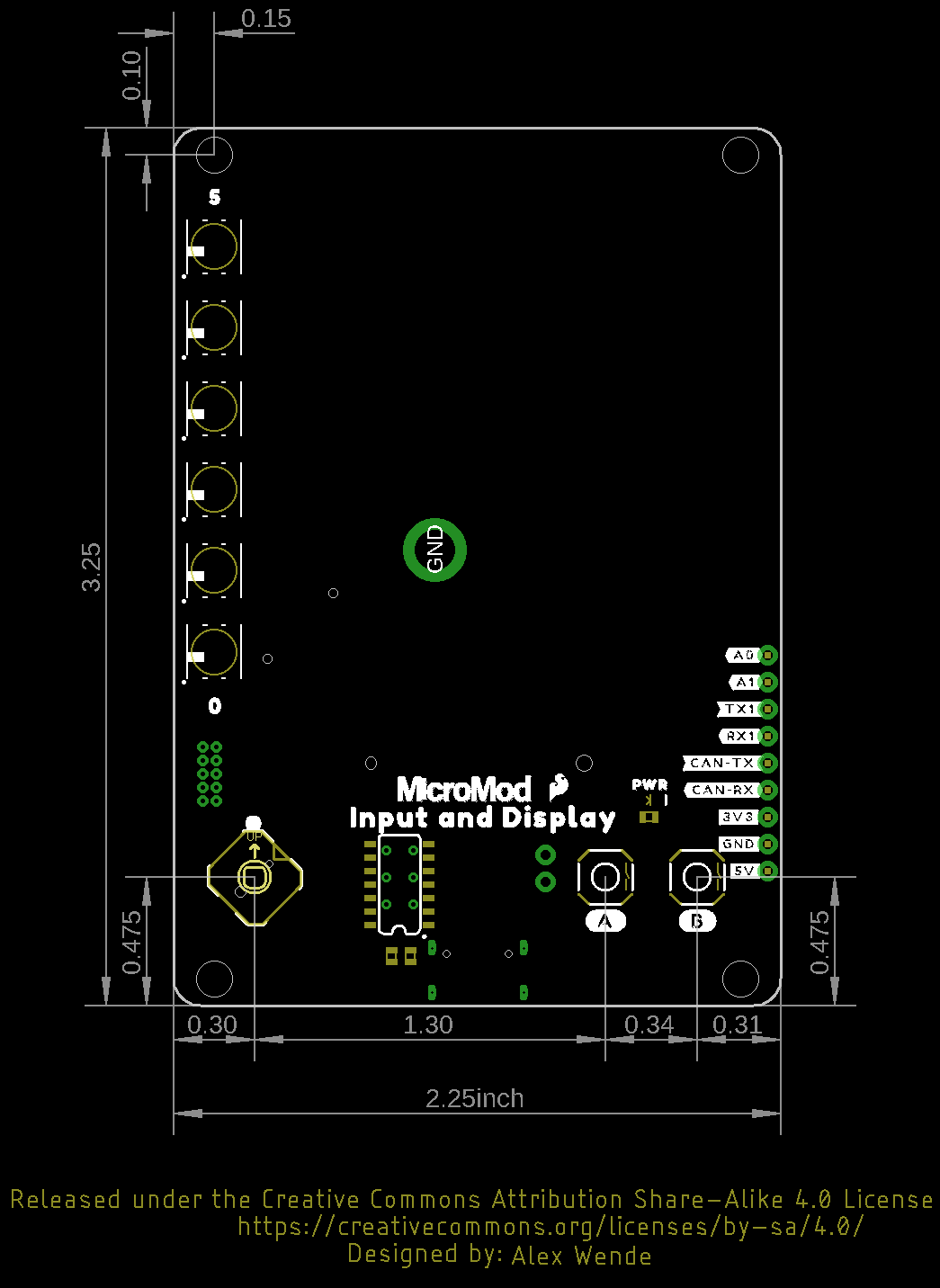
- Dimensional Drawing (PNG)
- TFT Display Data Sheet (PDF)
- SparkFun HyperDisplay Arduino Library
- SparkFun HyperDisplay ILI9341 Arduino Library
- SparkFun HyperDisplay 4DLCD-320240 Arduino Library
For more information about the SparkFun MicroMod Ecosystem, take a look at the links below:
Looking for some project inspiration using your Input and Display Carrier Board? The tutorials below can help you get started!
MicroMod STM32 Processor Hookup Guide
Get started with the MicroMod Ecosystem and the STM32 Processor Board!
MicroMod Main Board Hookup Guide
The MicroMod Main Board - Single and Double are specialized carrier boards that allow you to interface a Processor Board with a Function Board(s). The modular system allows you to add an additional feature(s) to a Processor Board with the help of a Function Board(s). In this tutorial, we will focus on the basic functionality of the Main Board - Single and Main Board - Double.
MicroMod GNSS Function Board - ZED-F9P Hookup Guide
Add millimeter precision location data to your MicroMod project with this guide for the SparkFun MicroMod GNSS Function Board - ZED-F9P.