SparkFun GPS Breakout (ZOE-M8Q and SAM-M8Q) Hookup Guide
 Elias The Sparkiest
Hardware Assembly
U.FL Connector
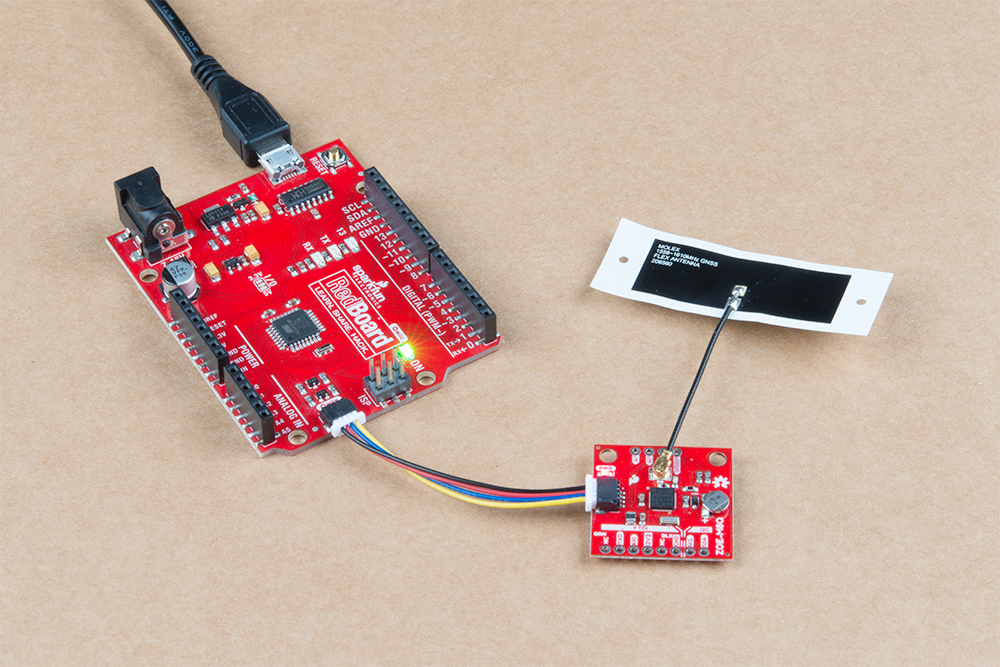
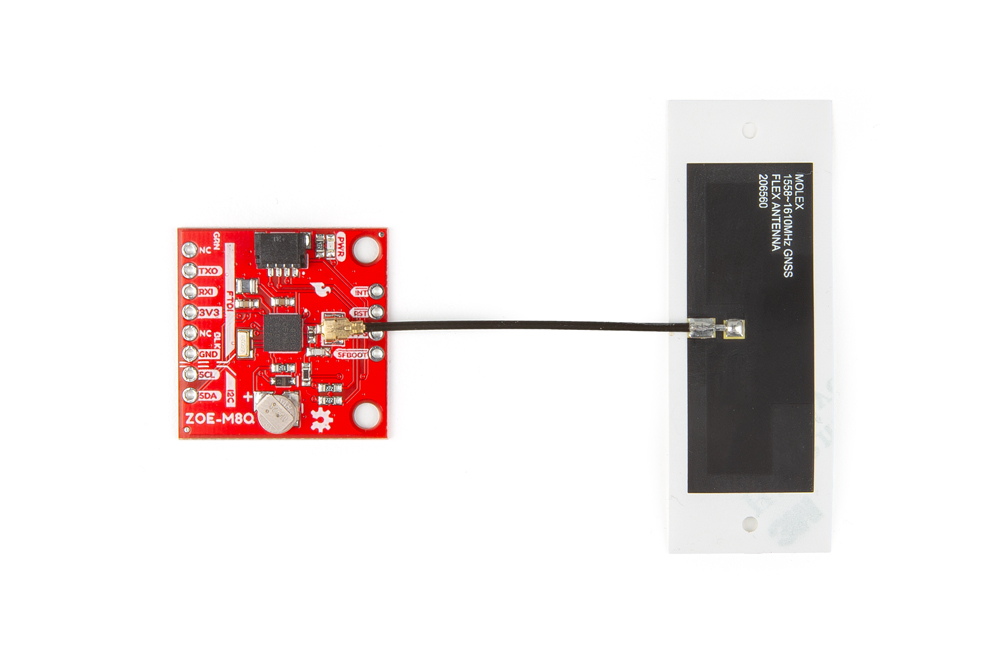
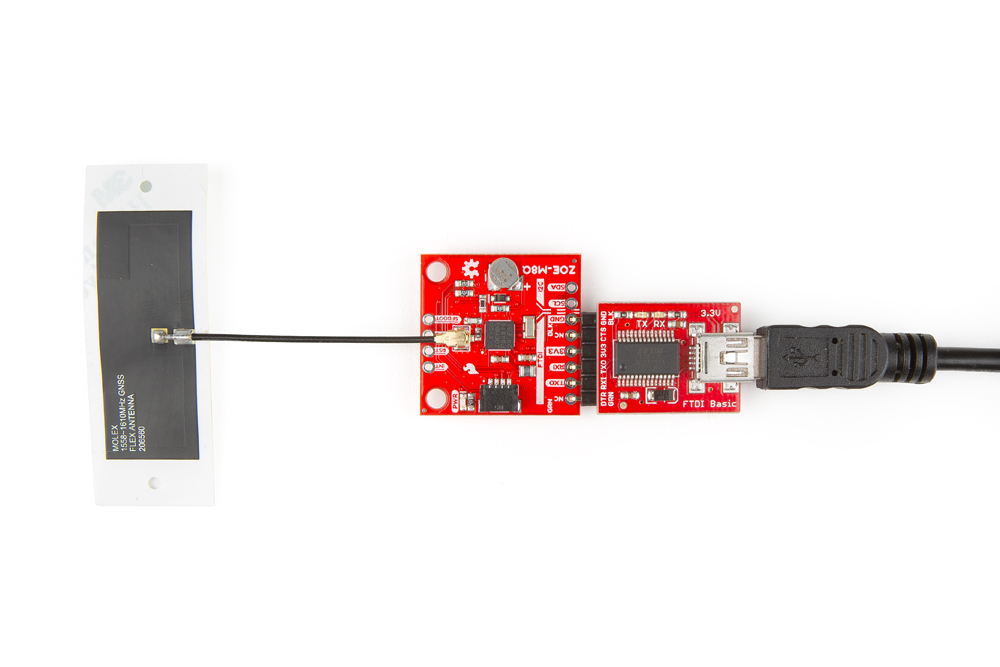
If necessary, attach an external GNSS antenna to the U.FL connector. If you need tips on plugging in the U.FL connector, then check out our U.FL tutorial. Of course, if you're using the SAM-M8Q then you don't need an antenna since it already has one.
Serial Interface
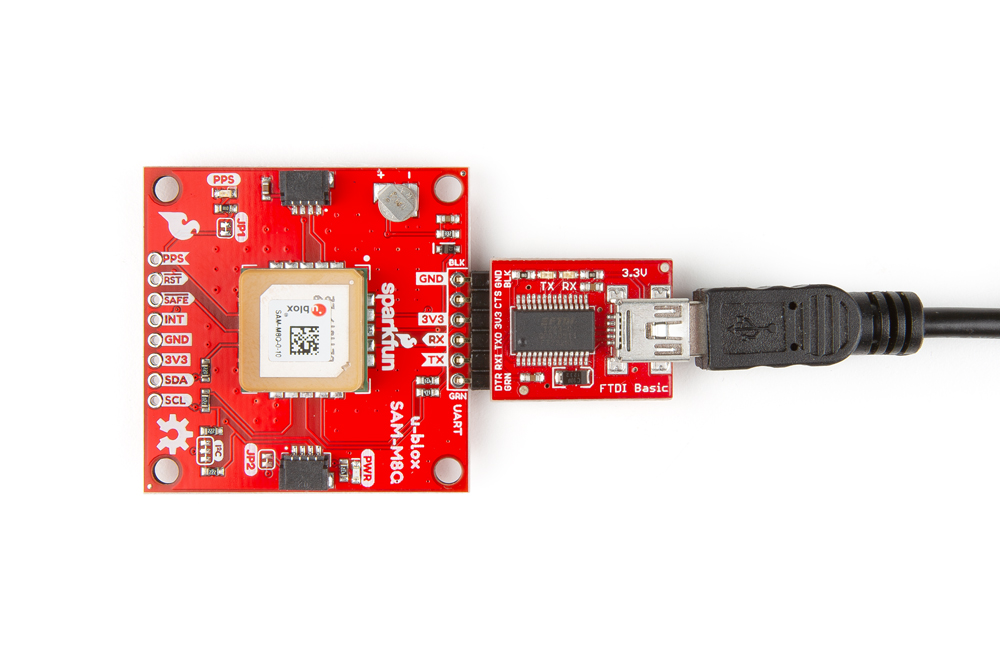
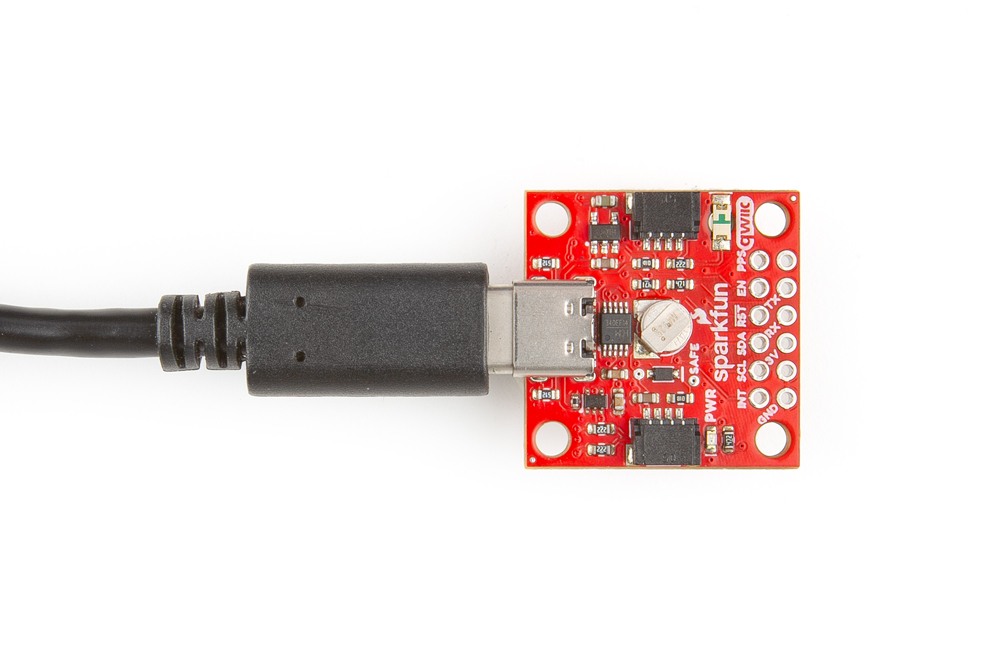
You will need to access the serial interface of the GNSS receiver, to utilize the u-blox u-center software. The compact variant of the SAM-M8Q includes a USB-to-serial adapter and USB connector, which will allow you to connect the board directly to a computer. However for the other boards, you will need to solder male headers to the pass-through-hole (PTH) pins. This will allow you attach a serial-to-USB adapter to the GNSS receiver, to connect the board to a computer. The default baud rate of these modules is configured to 9600bps.
I2C Interface
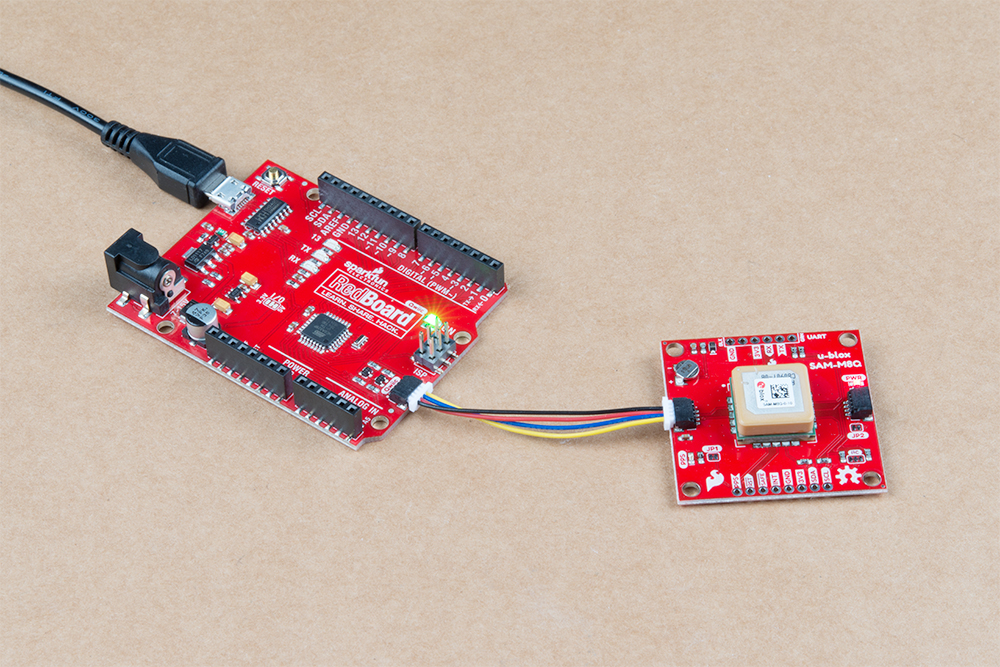
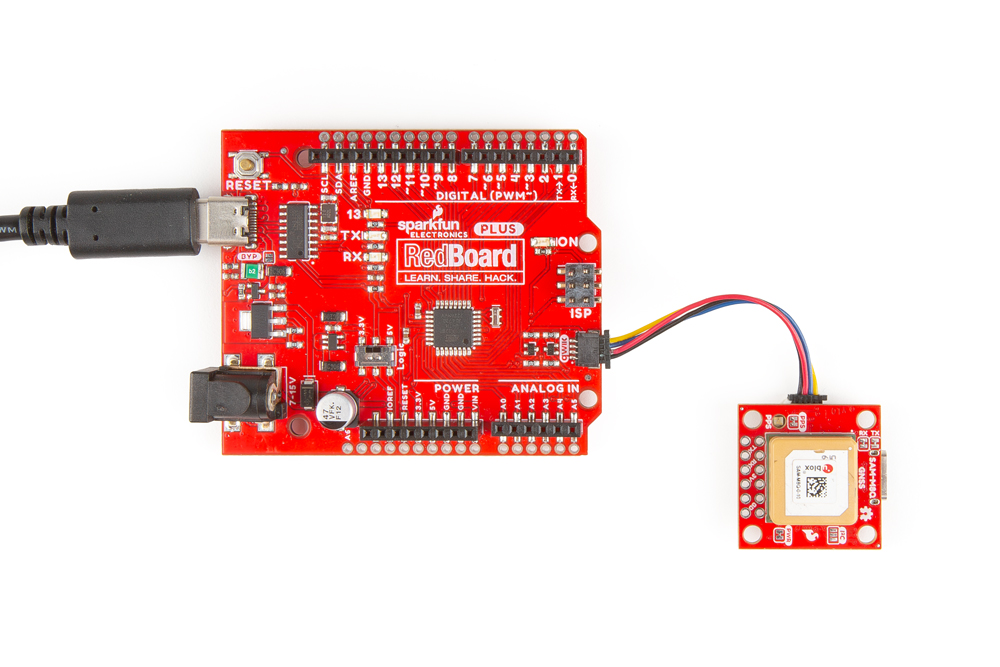
For the example below, I used a Qwiic capable RedBoard and associated USB cable. With that and a Qwiic cable, the assembly is very simple. Plug a Qwiic cable between the RedBoard and the GNSS board.