SparkFun Qwiic Shield for Teensy Hookup Guide
Contributors:
 QCPete
QCPete Resources and Going Further
That's a wrap! Your Qwiic Shield for Teensy/Teensy Extended is now ready to connect to any of a host of Qwiic devices SparkFun offers. For more information, take a look at the resources below.
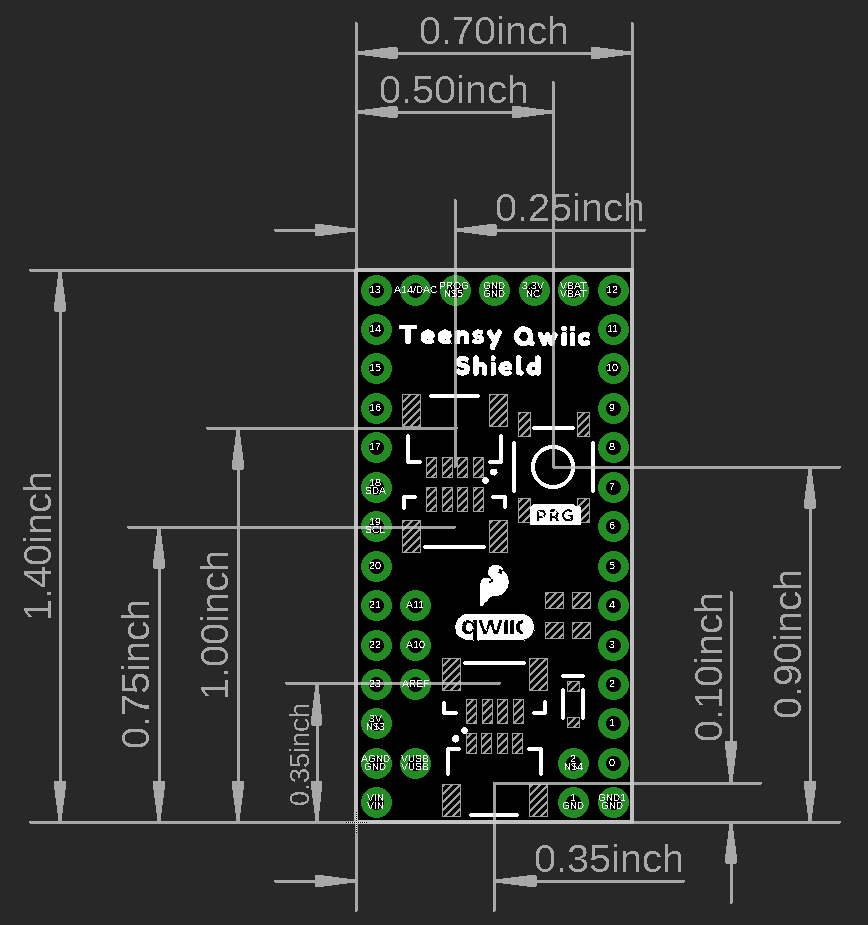
Qwiic Shield for Teensy
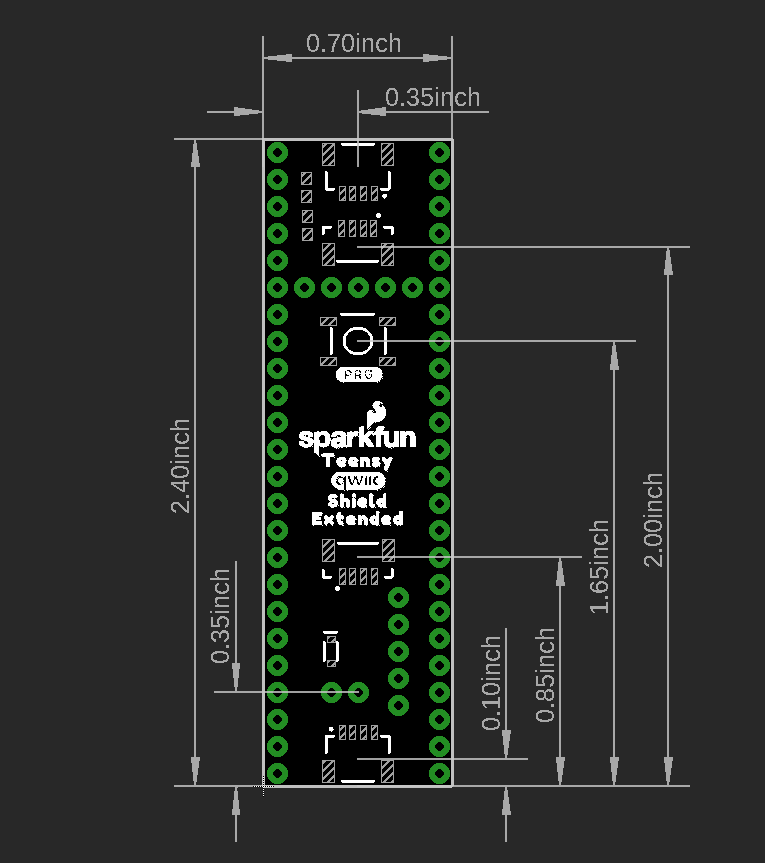
Qwiic Shield for Teensy Extended
Even More Resources
If you are having trouble getting your Qwiic devices to connect using your newly assembled Qwiic Shield, you may want to take a look at these tutorials for help troubleshooting and reworking your shield.
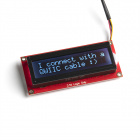
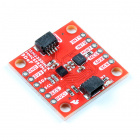
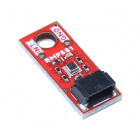
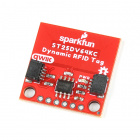
Now that you have your Qwiic Shield ready to go, it's time to check out some Qwiic products. Below are a few to get started.

Before you go, here are some other tutorials using the Qwiic Connect System you may want to look through:
Hookup Guide for the Qwiic Motor Driver
Drive things "qwiic"-ly with the SparkFun Qwiic Motor Driver!
The ClockClock Project
Tell the time with this fantastic Alchitry project using clocks to make a clock!
Qwiic PIR Hookup Guide
Get started passively monitoring motion using the Panasonic EKMC and EKMB sensors with the SparkFun Qwiic PIR.
Sending Sensor Data Over WiFi
This tutorial will show you how setup a simple peer-to-peer connection to send and receive sensor data between two ESP32 WiFi boards.