Qwiic dToF Imager (TMF882X) Hookup Guide
Contributors:
 bboyho,
  Elias The Sparkiest
bboyho, Elias The Sparkiest 
Resources & Going Further
Now that you've successfully got your Qwiic dToF Imager up and running, it's time to incorporate it into your own project! For more information, check out the resources below:
- SparkFun Qwiic dToF Imager - TMF8820
- SparkFun Qwiic Mini dToF Imager - TMF8820
- SparkFun Qwiic dToF Imager - TMF8821
- SparkFun Qwiic Mini dToF Imager - TMF8821
- TMF882X
- Arduino Library
- GitHub Hardware Repo
- SFE Product Showcase
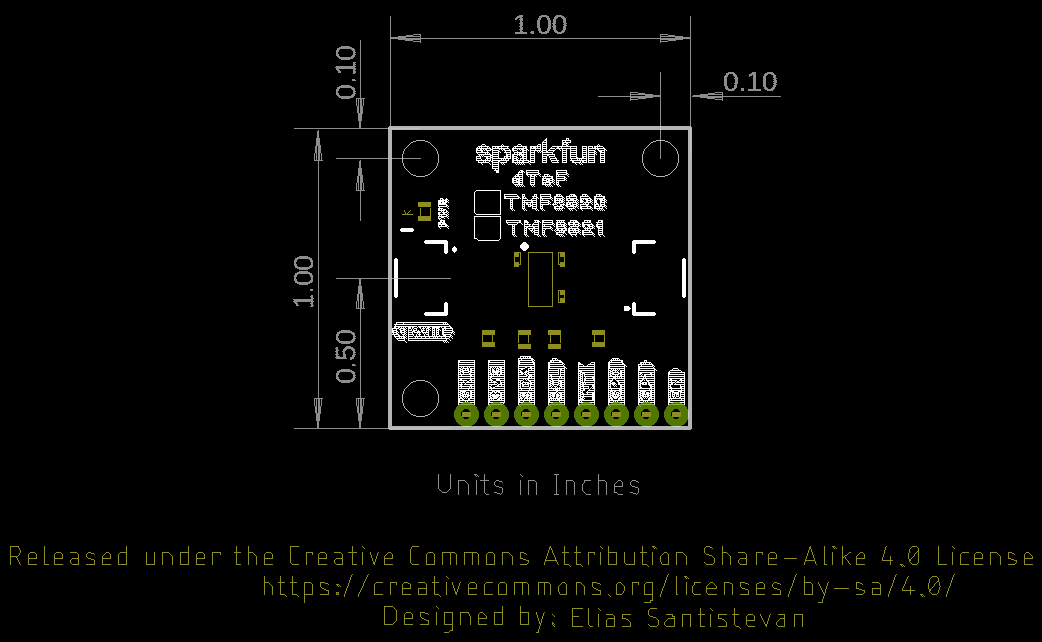
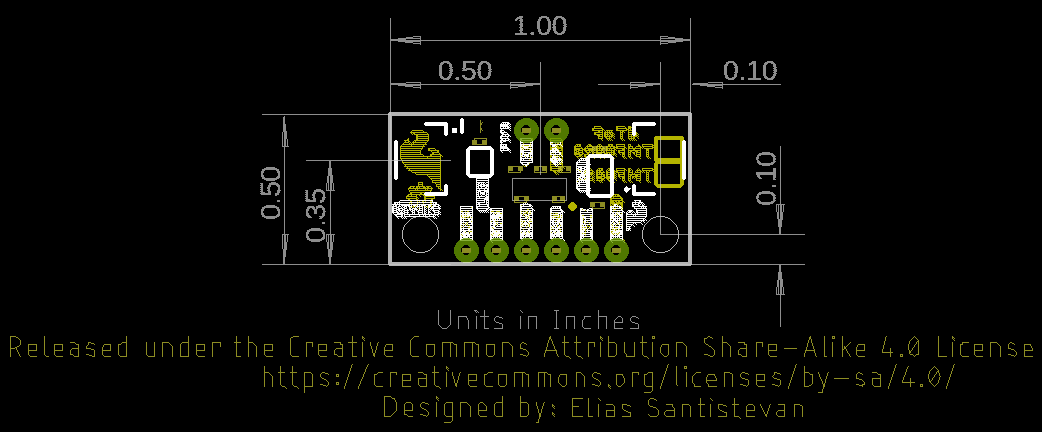
Need some inspiration for your next project? Check out some of these other tutorials using sensors.
SparkFun Inventor's Kit for Edison Experiment Guide
Learn how to harness the power of the Intel® Edison using JavaScript to post data to the cloud, control electronics from smartphones, and host web pages that interact with circuits.
micro:bot Kit Experiment Guide
Get started with the moto:bit, a carrier board for the micro:bit that allows you to control motors, and create your own robot using this experiment guide for the micro:bot kit.
Qwiic Accelerometer (MMA8452Q) Hookup Guide
Freescale’s MMA8452Q is a smart, low-power, three-axis, capacitive micro-machined accelerometer with 12-bits of resolution. It’s perfect for any project that needs to sense orientation or motion. We’ve taken that accelerometer and stuck it on a Qwiic-Enabled breakout board to make interfacing with the tiny, QFN package a bit easier.
Qwiic 6DoF (LSM6DSO) Breakout Hookup Guide
A hookup guide for the Qwiic 6DoF (LSM6DSO), which features a 3-axis accelerometer, 3-axis gyroscope, temperature sensor, and FIFO buffer.