MicroMod Main Board Hookup Guide
Contributors:
 bboyho,
  Elias The Sparkiest
bboyho, Elias The Sparkiest 
Resources and Going Further
Now that you've successfully got your MicroMod Main Board with a Processor Board, it's time to incorporate it into your own project! For more information, check out the resources below:
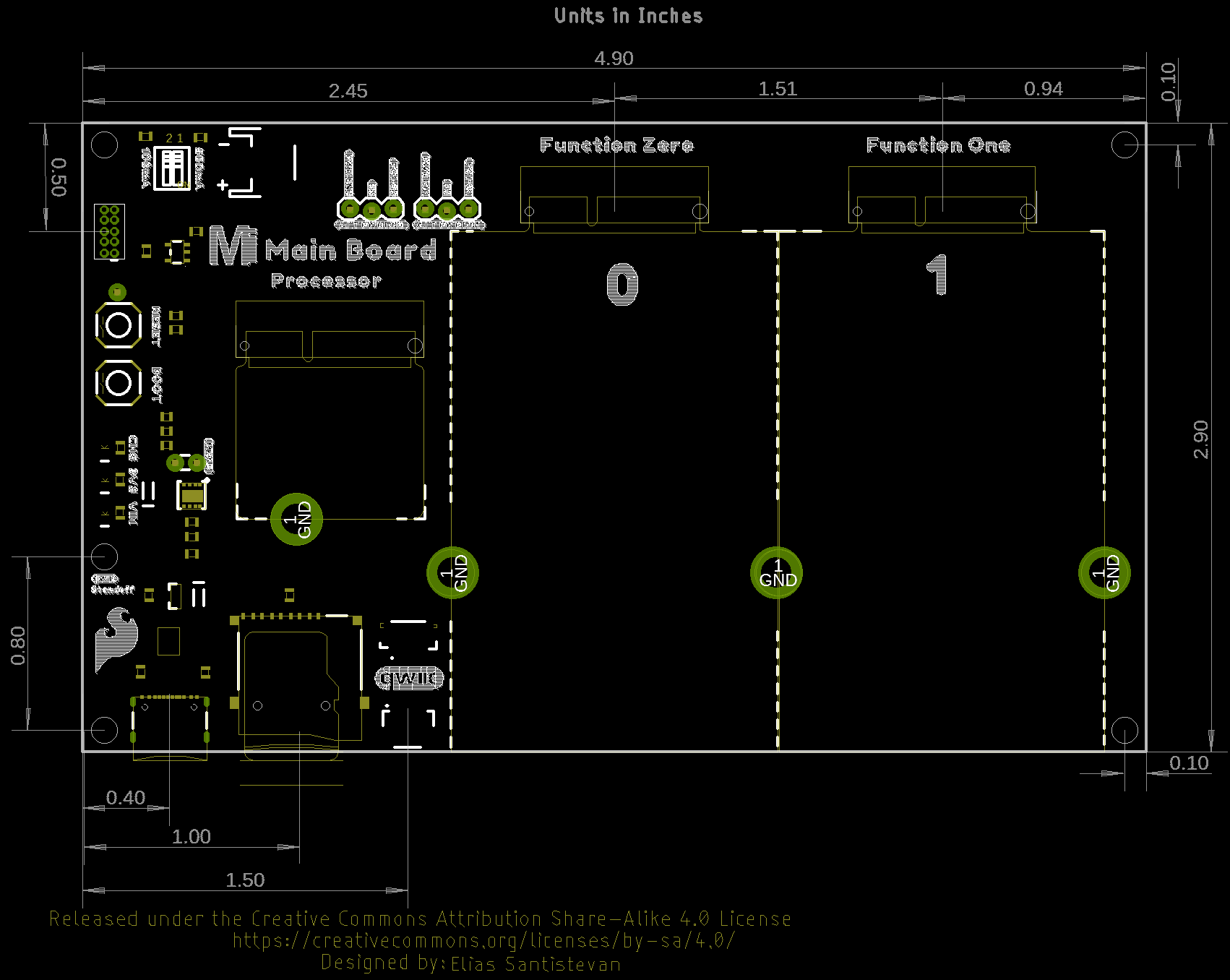
- MicroMod Main Board - Single
- MicroMod Main Board - Double
- SFE Product Showcase

Looking for more inspiration? Check out these other tutorials related to MicroMod.
MicroMod GNSS Carrier Board (ZED-F9P) Hookup Guide
Easily switch between Processor Boards using the MicroMod ecosystem and get precision down to the diameter of a dime with the ZED-F9P from u-blox using the MicroMod GNSS Carrier Board!
MicroMod Qwiic Pro Kit Project Guide
The MicroMod Qwiic Pro Kit was designed to allow users to get started with Arduino without the need for soldering or a breadboard. We've included three inputs (a joystick, accelerometer, and proximity sensor) and one display that can be daisy chained to the MicroMod SAMD51 Processor Board.
MicroMod Main Board Hookup Guide V2
The MicroMod Main Board - Single and Double are specialized carrier boards that allow you to interface a Processor Board with a Function Board(s). The modular system allows you to add an additional feature(s) to a Processor Board with the help of a Function Board(s). In this tutorial, we will focus on the basic functionality of the Main Board - Single V2.1 and Main Board - Double and V2.2.