SparkFun Environmental Sensor Breakout - BME68x (Qwiic) Hookup Guide
Contributors:
 El Duderino, santaimpersonator
El Duderino, santaimpersonator 
Resources and Going Further
Now that your BME68x is integrated in your circuit and sending data it's time to start tracking some weather! For more information about these breakout boards and the BME68x, take a look at the links below:
Qwiic BME680
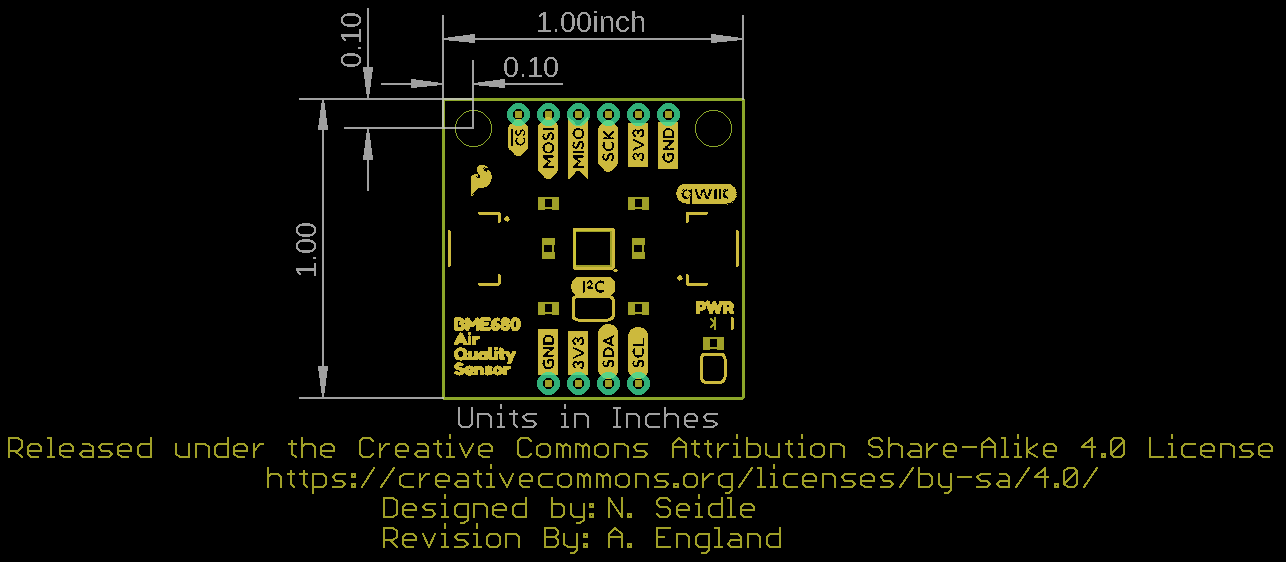
Qwiic BME688
- Qwiic BME688 Schematic (PDF)
- Qwiic BME688 Eagle Files (ZIP)
- Qwiic BME688 Board Dimensions (PDF)
- BME688 Datasheet (PDF)
- BME AI-Studio Manual (PDF)
- Qwiic BME688 Hardware GitHub Repository
- Bosch Software Page:
- BME AI-Studio (Mac/Windows) (Download from software page)
- Bosch-BME68x-Library - Bosch BME68x Arduino Library
- Bosch-BSEC2-Library - Bosch Sensortec Environmental Cluster (BSEC) Arduino Library
- BME68x API
- BSEC2 API (Download from software page)
- BSEC2 Integration Guide
Need some inspiration for your next project? Check out some of these weather sensing related tutorials:
Creating a Humidor Control Box
Because some of our boards need to be re-humidified after reflow, we decided to make our own humidor. This tutorial will focus on how to model a project in 3D and then fabricate it using a CNC routing machine.
micro:climate Kit Experiment Guide
A weather station kit that is built on top of the inexpensive, easy-to-use micro:bit and Microsoft MakeCode.
SparkFun gator:soil Hookup Guide
The gator:soil is analog soil moisture sensor. This tutorial will get you started using the gator:soil with the micro:bit platform.
Qwiic TMP117 High Precision Digital Temperature Sensor Hookup Guide
Add a high precision, digital temperature sensor to your projects using the TMP117 over the I2C!