MicroMod Main Board Hookup Guide V2
Contributors:
 bboyho,
  Elias The Sparkiest
bboyho, Elias The Sparkiest 
Resources and Going Further
Now that you've successfully got your MicroMod Main Board with a Processor Board, it's time to incorporate it into your own project! For more information, check out the resources below:
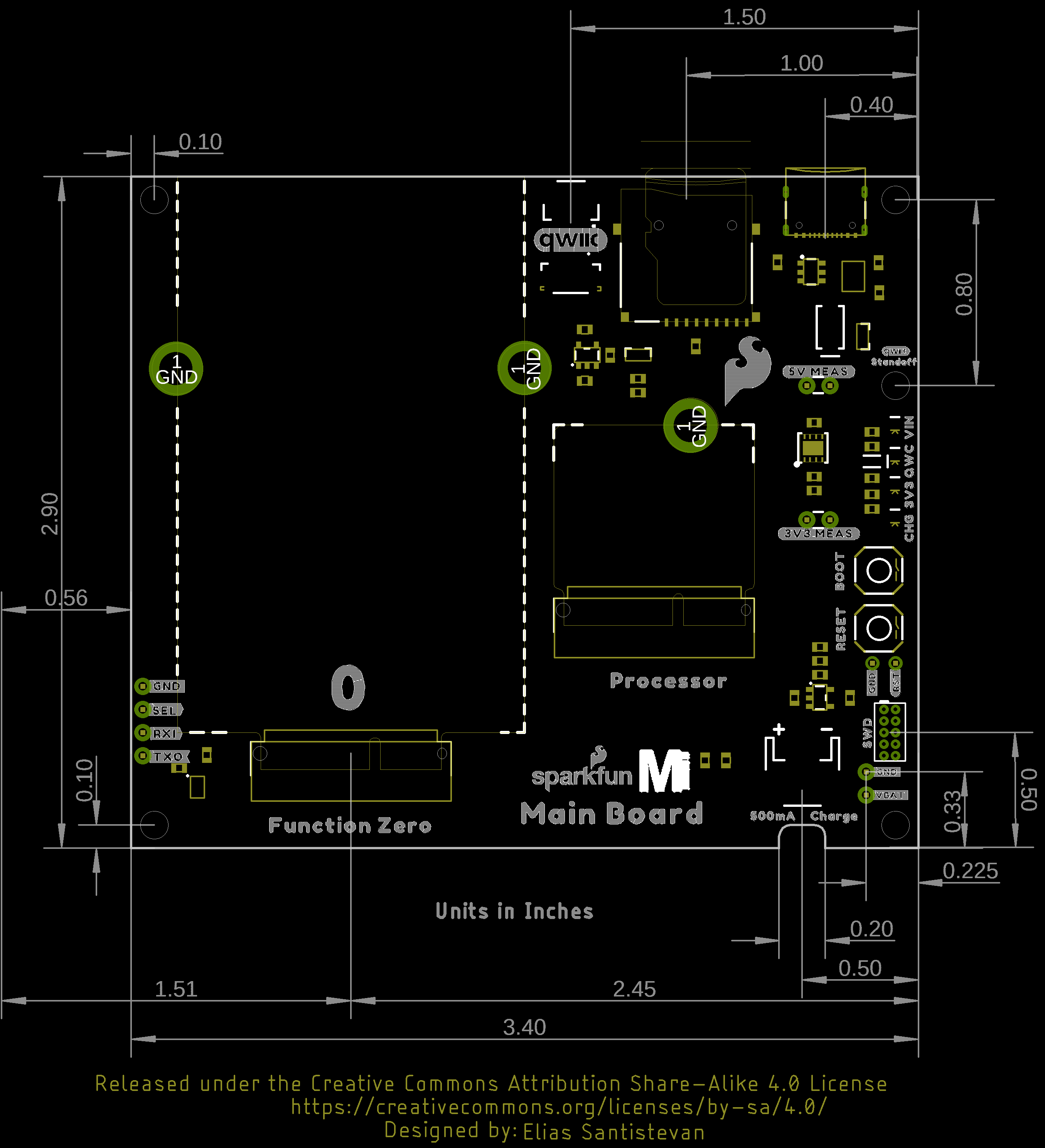
- MicroMod Main Board - Single V2.1
- MicroMod Main Board - Double V2.2

Looking for more inspiration? Check out these other tutorials related to MicroMod.
Getting Started with MicroMod
Dive into the world of MicroMod - a compact interface to connect a microcontroller to various peripherals via the M.2 Connector!
Qwiic Carrier Board Hookup Guide
The Qwiic carrier board is the latest way to rapid prototype with the included M.2 socket to swap processor boards and Qwiic connectors to easily connect I2C devices.
MicroMod STM32 Processor Hookup Guide
Get started with the MicroMod Ecosystem and the STM32 Processor Board!
MicroMod Environmental Function Board Hookup Guide
The SparkFun MicroMod Environmental Function Board adds additional sensing options to the MicroMod Processor Boards. This function board includes three sensors to monitor air quality (SGP40), humidity & temperature (SHTC3), and CO2 concentrations (STC31) in your indoor environment. To make it even easier to use, all communication is over the MicroMod's I2C bus! In this tutorial, we will go over how to connect the board and read the sensors.