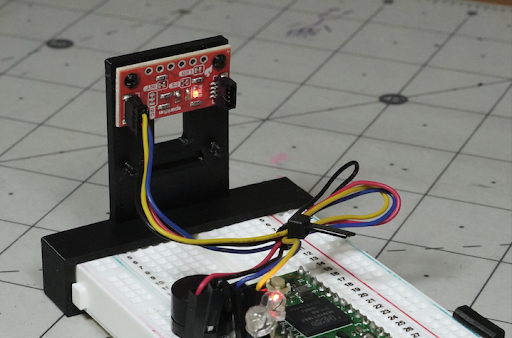
Teensy Human Motion and Presence Alarm Tutorial

Use, Observe, and Modify
With the device set up and Teensy programmed, observe the alarm system’s behavior as you move or stay still in front of it. When connected to a computer via USB, open Tools > Serial Monitor on the Arduino IDE to get numerical values for presence and motion. For the light and speaker outputs, this code supplements the standard binary presence and motion flags with threshold values (presenceThreshold, topMotionThreshold, botMotionThreshold) that can be tweaked to change the device’s behavior.
This sensor package can be used with any USB power source, allowing you to implement this alarm wherever it’s convenient (e.g., use a battery pack for off-grid operation). Once you have a handle on how this presence/motion sensor works, you can modify it to suit your needs, perhaps implementing it in your next robot, presence-based lighting system, alarm, or anything else you can think of!